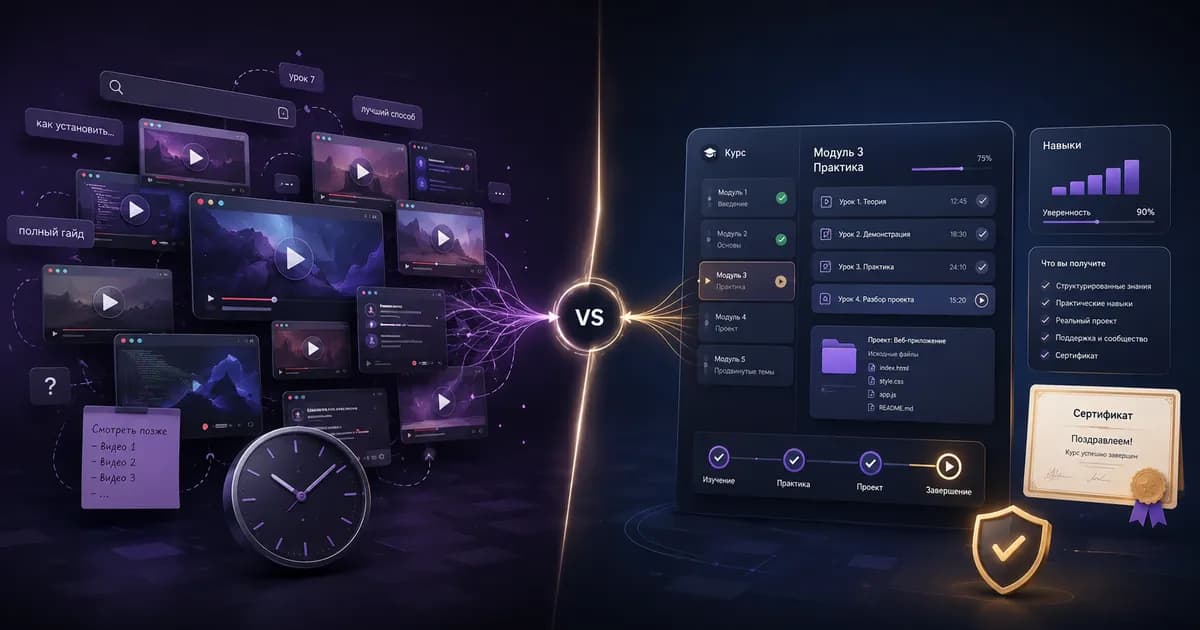
Any subject can be learned from free videos — the only question is how long it takes. YouTube hands you infinite material with no structure; Udemy sells you the structure for $13–15. Let's be honest about where free learning runs out, and when a paid course pays for itself in a single evening.
The core differences in one table
| Criterion | YouTube | Udemy |
|---|---|---|
| Price | Free | $10–20 per course on sale, kept forever |
| Structure | Clips from many authors; you sequence them | A curriculum from simple to complex |
| Depth | Usually introductory | Full coverage across 20–60 hours |
| Practice | Rarely any assignments | Projects, exercises, error walkthroughs |
| Support | Comments, often unanswered | A Q&A section the instructor is invested in |
| Freshness | A clip can sit untouched for years | A visible last-updated date |
| Ads | Yes | No |
| Certificate | None | Certificate of completion |
What YouTube does better
Free shouldn't be underrated — at three jobs, YouTube genuinely beats a paid course:
- A fast answer to a narrow question. How to configure one specific tool, why one specific error fires. Nobody buys a course for ten minutes of material.
- Getting acquainted with a subject. Before paying, watch a couple of overview videos and find out whether the topic interests you at all.
- Brand-new topics. A tool released last month has no course yet — but it already has a video.
On top of that, YouTube hosts conference talks and university lectures: material that never reaches a marketplace.
What a paid course gives you
The difference isn't the video itself. It's four things you cannot assemble out of clips:
- Order. The instructor already decided what comes first and what can wait. A beginner cannot make that decision — they don't know the subject yet.
- Completeness. A course covers the topic end to end, including the boring sections nobody films for YouTube because they don't get views.
- Practice with feedback. Assignments, projects, common mistakes and how to fix them.
- Access to the instructor. In a course's Q&A, answering is part of the job. Under a video with a million views, your question sinks.
The signature trap of free learning is tutorial hell: you watch endlessly, understand everything, and still can't write a single line on your own. Only your own projects cure it — a course simply gets you to the point where a project is possible much faster.
What free learning actually costs
Count in hours, not dollars. To assemble a coherent programming curriculum on YouTube you need to:
- Find instructors and judge their competence — several evenings.
- Sequence the topics without knowing the subject — the most expensive part, and where the gaps get created.
- Filter out obsolete videos — continuously, and blindly.
- Source exercises and projects separately, because the videos don't include them.
Realistically that's 15–30 hours of work spread across months. A $13–15 course hands you the finished result. If an hour of your time is worth even $3, the paid course pays for itself the first evening.
How to combine them
The best setup isn't either/or:
- YouTube at the entrance. Three overview videos to decide whether this is your subject.
- One paid course as the backbone. Take it end to end, typing the code. How to pick it is in the checklist for choosing a course.
- YouTube during the course. When one specific topic doesn't land, hear a second explanation of it.
- Your own project afterward. The thing no source will give you.
Who really can get by with YouTube
Honestly, some people can:
- You need one skill, not a profession. Ship a landing page, learn one Excel function, figure out one tool.
- You already have a base in an adjacent field. An experienced developer picks up a new language from the docs and a couple of videos — they already have a map of the territory.
- You can build your own syllabus. A rare skill, but if you have it, a paid course offers you less.
In every other case — especially starting from zero — a course saves months.
Conclusion
YouTube doesn't replace a course; it complements one. A free video answers "how do I do this specific thing." A paid course answers "what should I learn, and in what order" — and for a beginner the second question is worth far more.
The good news is that the barrier is trivially low: on sale, a course costs about as much as two coffees and the access is permanent — see Udemy sales and discounts for the details. If you're starting with web development, look at JavaScript courses; if your card isn't accepted on Udemy, you can pay by card, SBP, or cryptocurrency using the step-by-step guide.
Buy Udemy Courses
Paste a course link → pay by card, crypto, or another supported method → get access in 2 minutes
Check Course Price