You can buy a Udemy course from Russia in about two minutes — but only if a Udemy account created outside Russia is already waiting for you by then. Preparing that account is the one part of the process that does not fit into two minutes, and it is exactly the part people leave until last. Below: what to have in hand before you start, what the purchase itself looks like step by step, and the three mistakes that leave the key refusing to work.
What to have ready before you start
Two minutes is the stretch between paying and the email carrying your activation key. Everything else sits outside that window: registering, preparing the Udemy account, redeeming the course. Which gives the honest version — you prepare once, and every purchase after that really does take a couple of minutes.
Gather seven things in advance:
- A Udemy account created outside Russia. This is a requirement, not a recommendation: a gift key only redeems in an account like that. How to make one is right below the list.
- A VPN, installed and connected, any country except Russia. You don't need it to pay — payment on ForUdemy goes through on a Russian card with no VPN at all. You need it to create the Udemy account and, later, to redeem the key in it.
- Your Udemy username. It sits in your Udemy profile settings; copy it now, because the order form will ask for it.
- An inbox you can open right now, on the device in front of you. The activation key arrives there — and, most likely, a sign-in code from Udemy itself as well.
- The course link, copied whole from the address bar. From the course page, not from a page of search results.
- A payment method chosen. Decide before you open the form: card, SBP, cryptocurrency, or your ForUdemy wallet balance.
- A browser, if you're buying on a phone. The Udemy app cannot redeem a gift key — why, further down.
The Udemy account: the one step that doesn't fit in two minutes
The service puts account preparation at two to three minutes, and that is close to true when nothing goes sideways. The same caveat sits as its own line right under the homepage form — "Activation requires a Udemy account created outside Russia", with a "how to prepare one (2–3 min)" link that opens these very instructions. The order of operations:
- Turn the VPN on. Any country except Russia will do — the Netherlands, Germany, the US.
- Open an incognito window. An ordinary browser window can hand over an older location from cache, and the account ends up tied to Russia anyway.
- Create the account on udemy.com, and don't switch the site language to Russian.
- Open any paid course and look at the currency of the price.
One detail nobody warns you about. Udemy is passwordless by default: the platform states outright that you cannot create an account with a password, and sends a six-digit code to your email instead — on sign-up, and on sign-ins after it. The code is good for 15 minutes (Udemy on signing up in a browser). Signing up through Google or Apple skips the email entirely. Otherwise your inbox has to be open on the same device — or the sign-in in that fresh incognito window stalls on a message you cannot see.
The currency check only works in one direction. Rubles on a course page are a reliable sign that the account is tied to Russia and the key will not redeem in it. The reverse proves nothing: Udemy shows prices in a long list of currencies, and dollars or euros can simply be a fallback rather than evidence of another country. Rubles are a signal of trouble; their absence is not a guarantee.
The purchase itself: what you will see on screen
Every field and button name below is the real one, straight out of the interface.
The homepage has a "Paste a Udemy course link" field and a "Check Price" button. You don't need an account for this — the price is visible without signing up. Paste the address from the address bar whole: the form accepts udemy.com addresses only, drops the surplus parameters by itself and keeps couponCode, so there is nothing to gain by trimming the link down to a tidy short form. A few seconds later a course card appears: cover, title, instructor and price.
The price is shown in the currency the service buys the course in, usually dollars. The charge itself goes through in rubles at the current rate, and that is how it is written in the terms of use. Don't be thrown if Udemy shows you a different figure: the storefront price depends on the region of your account, while the card shows the price the course will actually be bought at.
A Udemy coupon inside the link and a ForUdemy promo code are two different discounts, and they stack. Check the result with your own eyes, though: if the price doesn't move after a coupon is applied, the coupon did nothing — even with a green "applied" mark sitting next to it. The only proof of a discount is the number itself.
Next comes the ForUdemy account and the order form. Registering takes under a minute: a username, an email and a password of at least eight characters, plus a CAPTCHA check — there is no skipping it: the form will not submit without it. There is no email confirmation step here, and registering drops you straight into your dashboard. The form has two recipient fields — "Udemy Username" and "Email for the coupon" — and you can put someone else's details in them, which is how the course becomes a gift for that person. Read the email address back letter by letter: the key goes to exactly the address you typed. Step two of the form carries a yellow warning that redeeming needs a Udemy account created over a VPN, and a checkbox reading "I have a suitable Udemy account": until it's ticked, the pay button does nothing. That is the one place the service stops an unprepared buyer — and it stops them before the payment, not after.
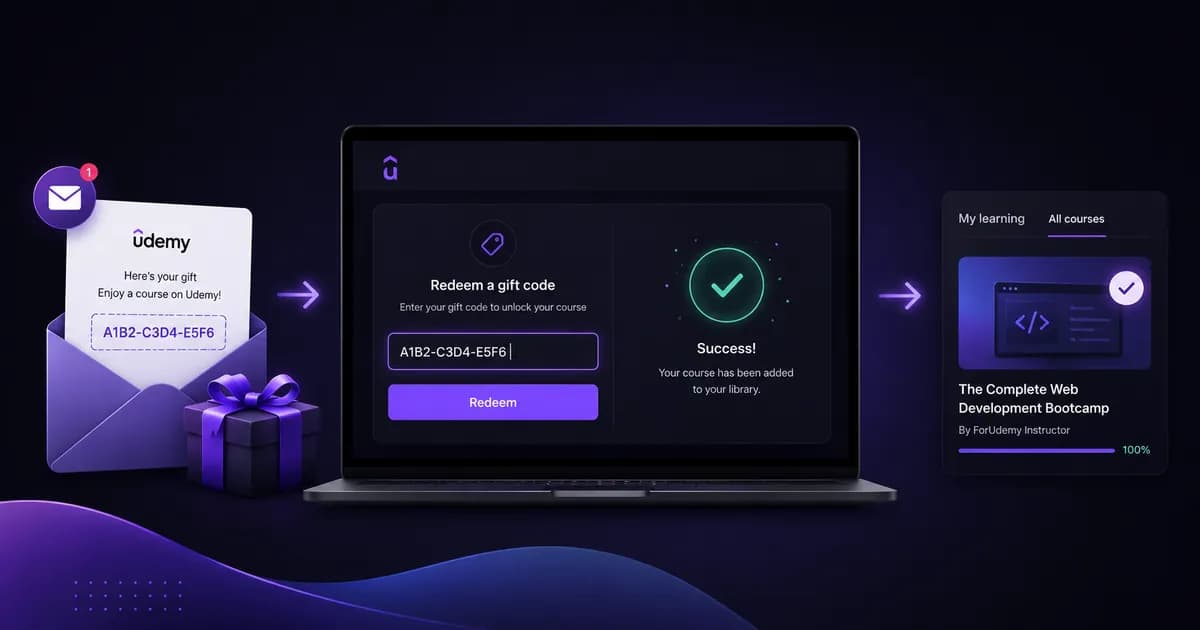
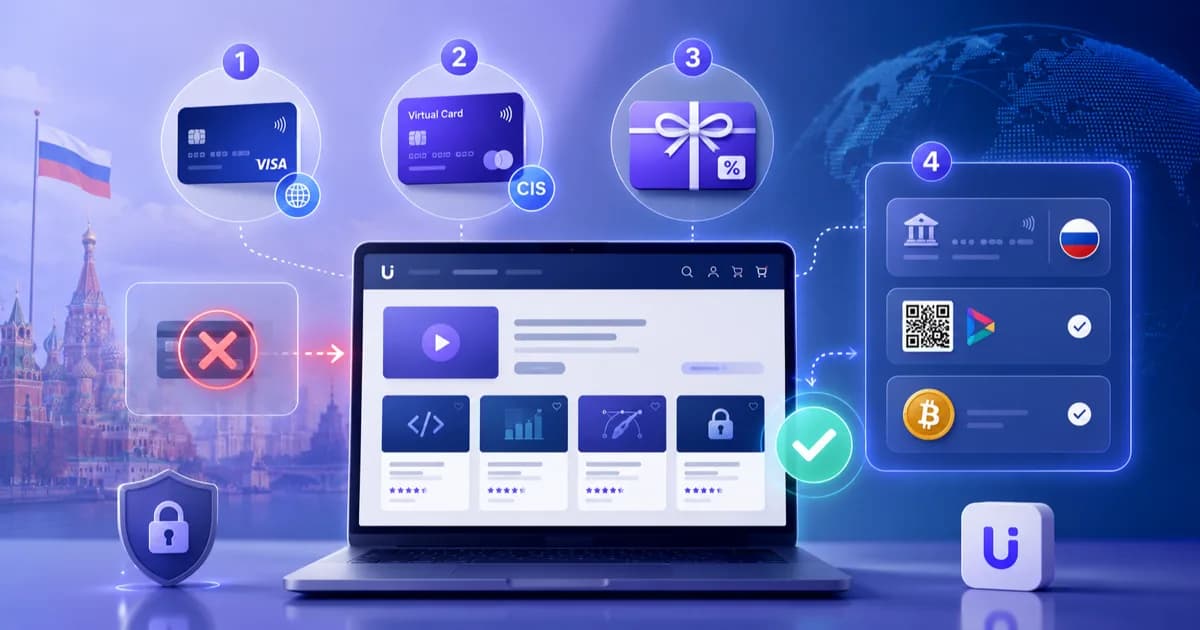
You can pay by bank card (Visa, Mastercard, MIR), SBP, cryptocurrency or your ForUdemy wallet balance. Crypto has a walkthrough of its own — how to pay for Udemy with cryptocurrency; every route, the do-it-yourself ones included, is compared in the guide to paying for Udemy from Russia. Redemption happens on Udemy's side: VPN on, signed in to the account you prepared, and in a browser — at the redeem page at udemy.com/gift/redeem. The course appears under "My learning", and every redemption error is worked through in a separate article, how to redeem a Udemy gift code.
What arrives in your inbox, and how long it really takes
What arrives is an activation key. Udemy notes that a code like this contains the word GIFT, which makes the email easy to recognise (Udemy on redeeming a gift). Udemy issues the code itself at the moment the course is bought as a gift; the service only passes it on to you.
Now the honest numbers, because "two minutes" is a median rather than a promise to everyone:
- Median — 2 minutes from payment to the email with the key.
- 9 orders in 10 are delivered within the hour.
- The ceiling in the terms is 24 hours. If the key hasn't been issued by then, the service — at your choice — retries the activation or refunds you in full.
Faster than a minute is impossible by construction: the payment gateway's confirmation is wired so that fulfilment cannot begin in the first minute after payment. That makes "instant" the wrong word, and "about two minutes" a floor rather than a cautious estimate.
While you wait, the order status is visible in your dashboard: "Awaiting Payment", "Paid", "Processing", "Completed", "Failed". The key is mirrored there too — on the dashboard overview and on the "My Orders" page, with "Copy" and "Activate on Udemy" buttons. So an email stuck in spam, or simply running late, is not a dead end: the key is already in your account.
Three things that break the key
Redeeming the key in the Udemy app
A trap for anyone doing all of it from a phone. In the mobile app, purchases run through Google's and Apple's app stores, and there is nowhere to type a gift key.
Udemy says it plainly: gifts cannot be redeemed in the mobile app (Udemy's FAQ on redeeming gifts). On a phone, open a mobile browser, sign in to the right account there, and redeem the key on the website.
The account turns out to be tied to Russia
A common reason behind "the code doesn't work". Checking takes seconds: sign in to that account on the Udemy website — the website, not the app — and open any paid course. If the price is in rubles, the key will not redeem in that account however many times you try. The only cure is a new account, created over a VPN in an incognito window. A course that has already been redeemed cannot be moved between Udemy accounts, so it pays to check before buying rather than after.
The key gets redeemed in the wrong account
Plenty of people end up with two Udemy accounts: the old one, opened from Russia at some point, and the new one prepared over a VPN. The course goes to whichever account you are signed in to at the moment of redemption, and there is no taking it back. Before you paste the key, check which email address you are signed in under. For the same reason, it's worth re-reading the Udemy username at the order step — it should belong to the prepared account, not the old one. Udemy catches a mistake in the key itself at once: the "Activate on Udemy" button in your dashboard opens the redeem page with the key already filled in, and a bad key is rejected as the page loads — "This gift coupon can not be found." About the wrong account it says nothing: the key simply works in whichever one you are signed in to.
Conclusion
Two minutes is true, but it is the truth about one stretch: payment to key. Everything that decides whether the purchase will be quick happens before it — a Udemy account not created in Russia, a VPN switched on, an inbox you can open, and a course link copied whole. Prepare once and buying any course after that really does fit into a couple of minutes, with redemption taking under a minute.
If something goes off-script, write to support: the ForUdemy Telegram bot or info@forudemy.com. And if you want the bare step list, it is on the how to buy a course page.
Buy Udemy Courses
Paste a course link → pay by card, crypto, or another supported method → get access in 2 minutes
Check Course Price